Dashboard
The Decisions dashboard in CIB Seven Cockpit is the entry point for decision monitoring. In the following screenshot, we select “Decisions” to get an overview of the deployed decision definitions.
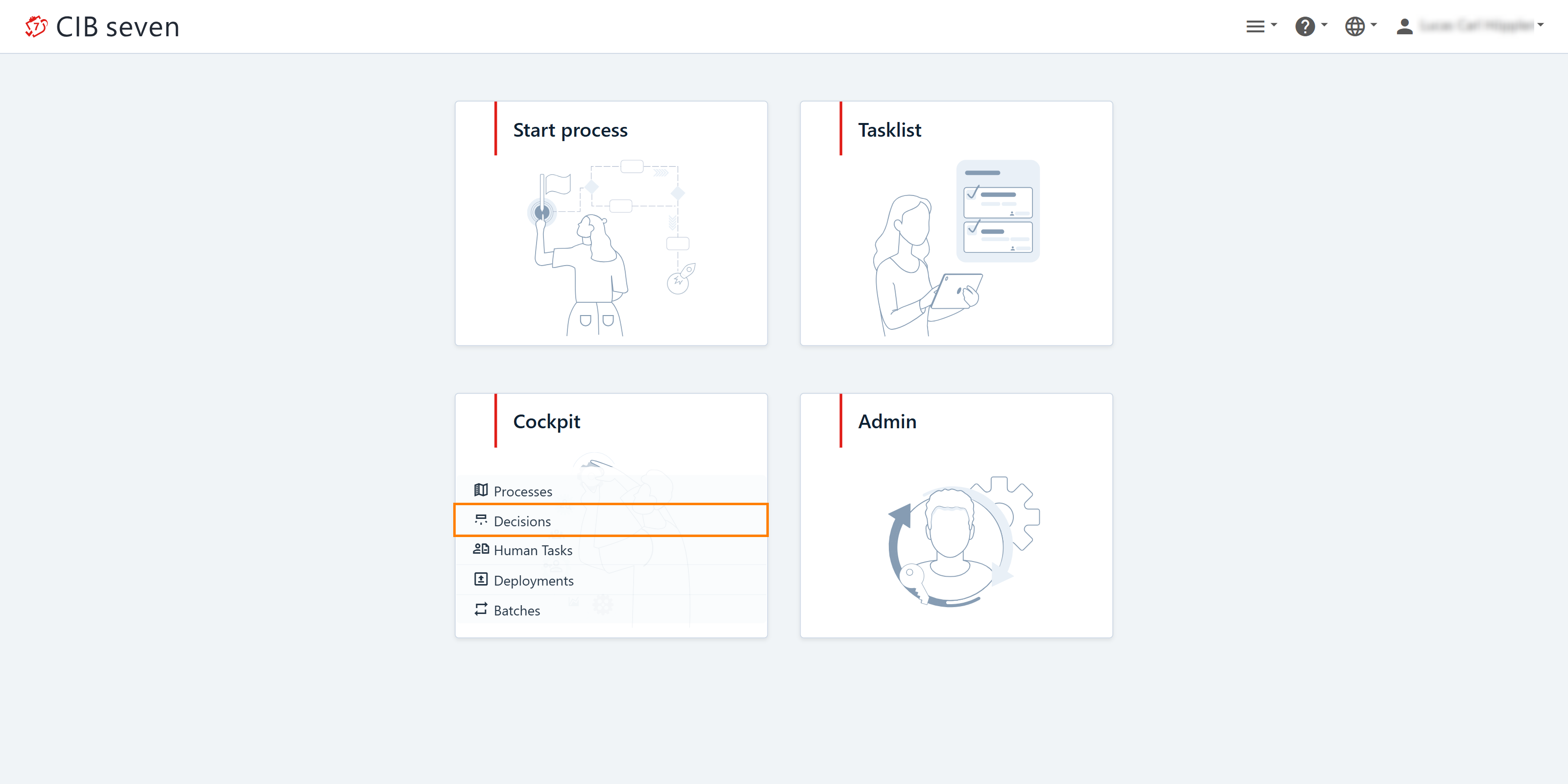
Deployed Decisions
This plugin displays a list of deployed decision definitions. At the top, you’ll find a search bar that allows you to search for decision definitions by name, including partial matches. Simply click on a decision name to navigate to the decision definition view for more detailed information.

Deployed Decision Requirements Definition
This plugin provides you with a list of deployed decision requirements definitions. You can click on the name of a decision requirements definition to go to the decision requirements definition view and access more details.

Enterprise Features
Decision Instance Search
Enterprise Feature
Decision Instance Search is available only in the Enterprise Edition.
The Search decision instances panel lets you find decision instances across all decision definitions, without opening each definition individually. Add search criteria such as decision definition name or key, or evaluation time, to narrow down the results; add columns to the result table to show additional details. As with other Cockpit searches, you can share a query link with a colleague or save it for later use. Clicking a result takes you to its decision instance view.